
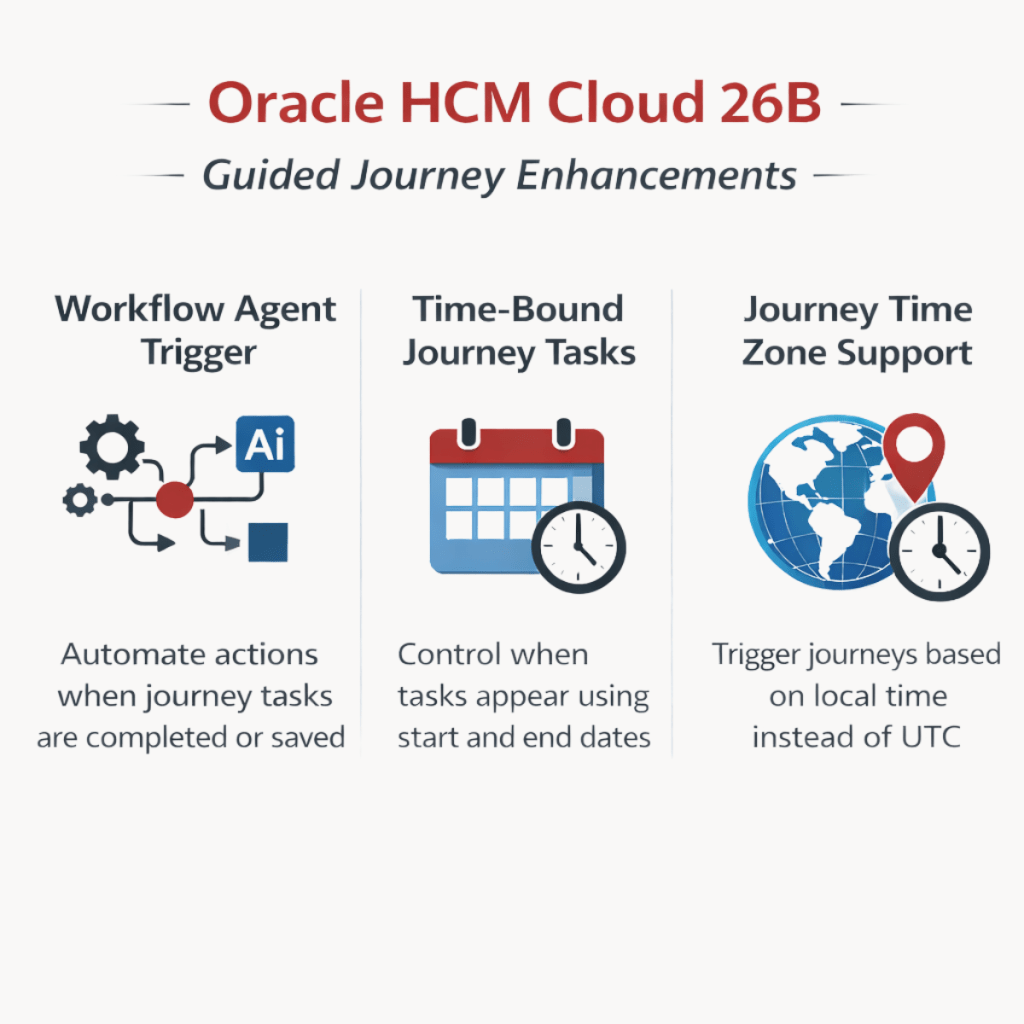
Oracle continues to evolve Guided Journeys not just as a checklist of tasks, but as a platform to bring AI and automation into HR workflows.
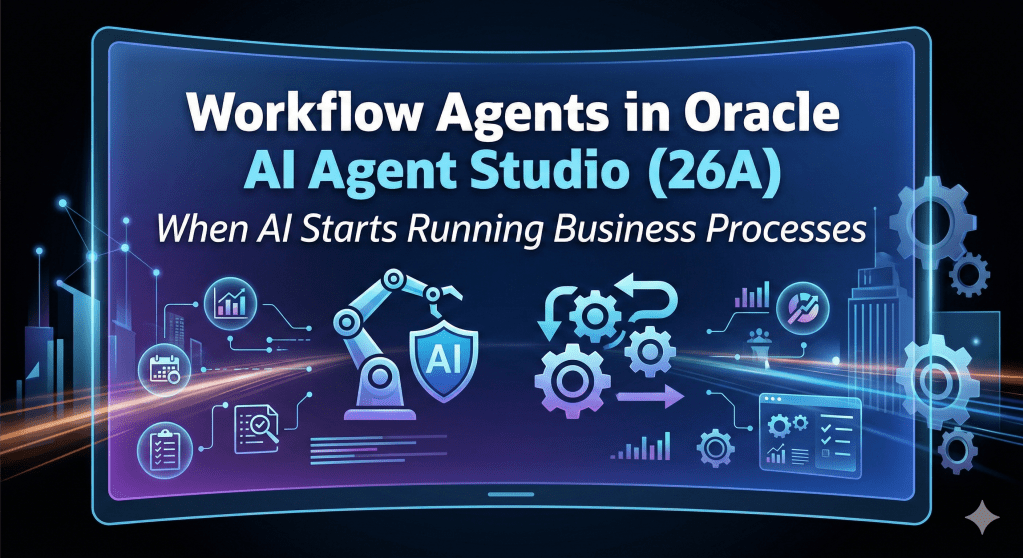
🔹 𝗧𝗿𝗶𝗴𝗴𝗲𝗿 𝗪𝗼𝗿𝗸𝗳𝗹𝗼𝘄 𝗔𝗴𝗲𝗻𝘁𝘀 𝗳𝗿𝗼𝗺 𝗝𝗼𝘂𝗿𝗻𝗲𝘆 𝗧𝗮𝘀𝗸𝘀
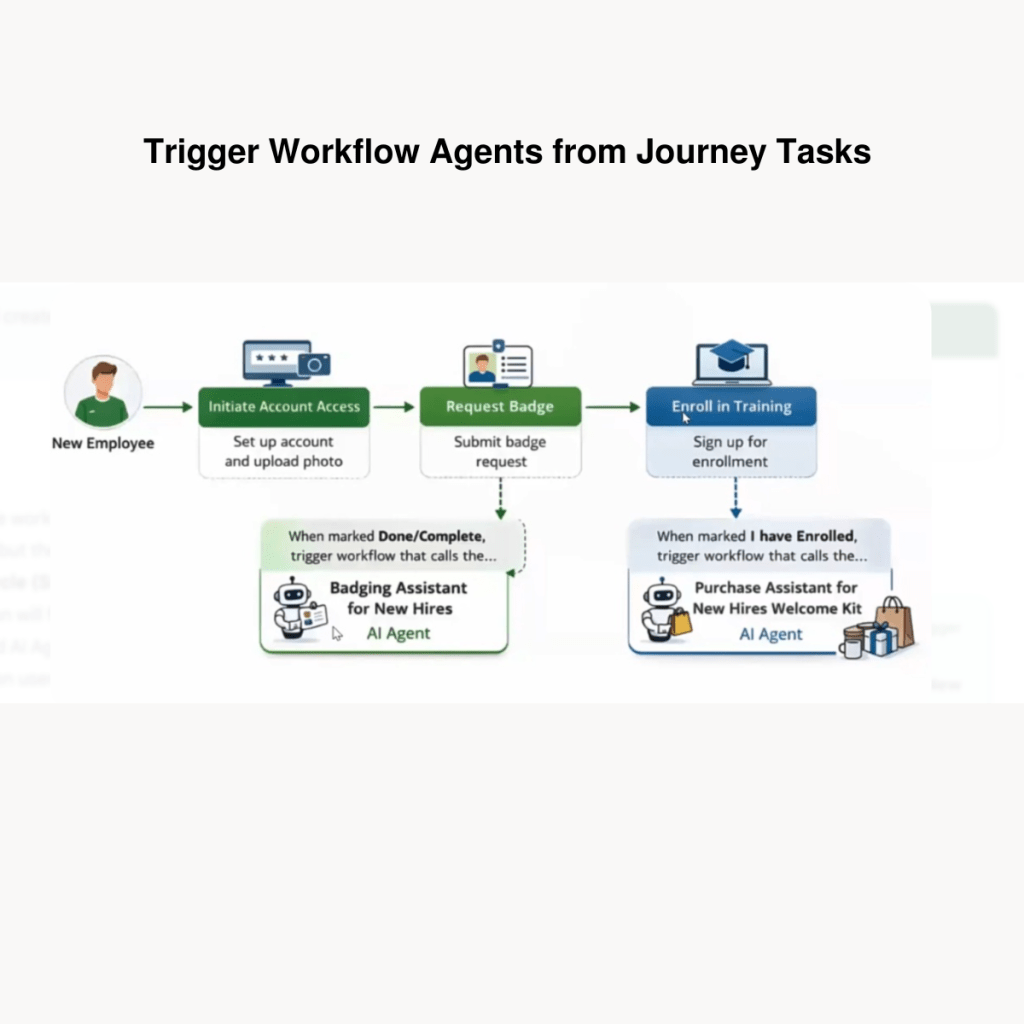
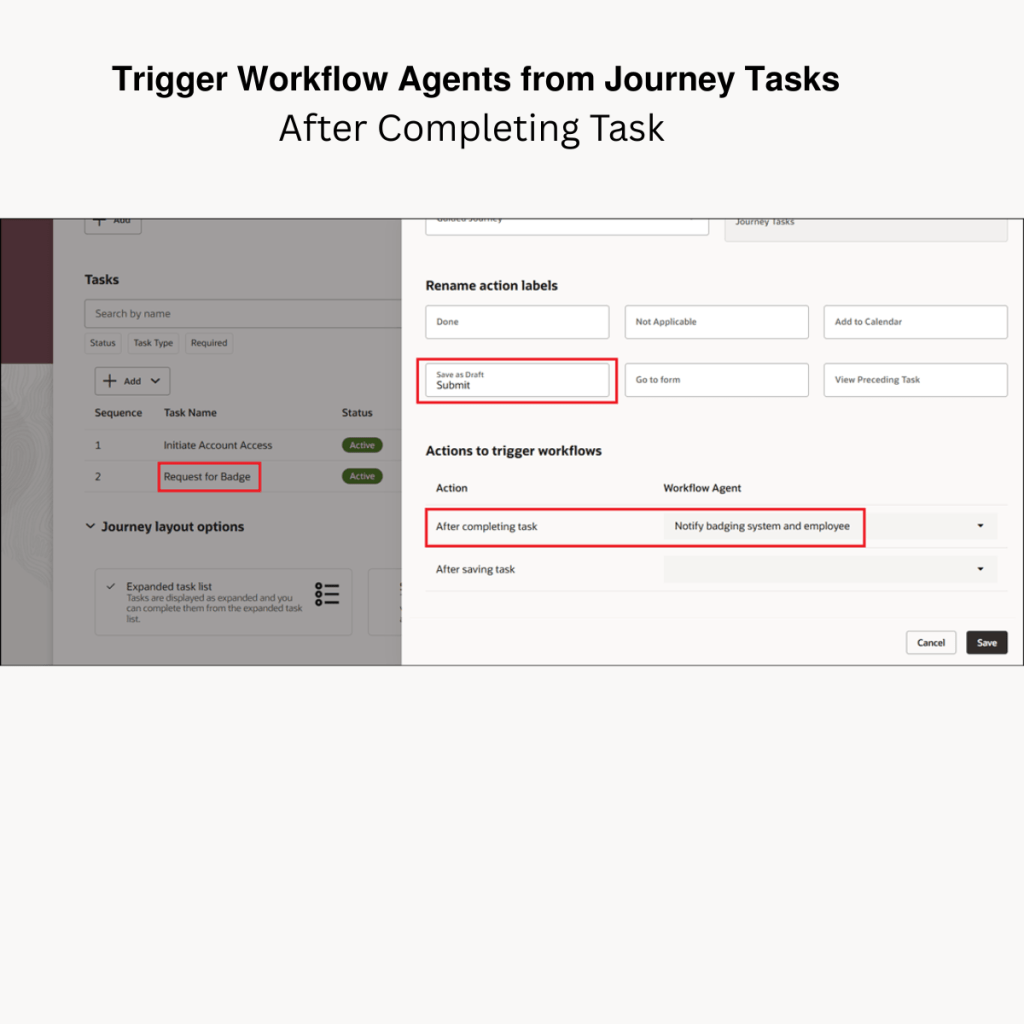
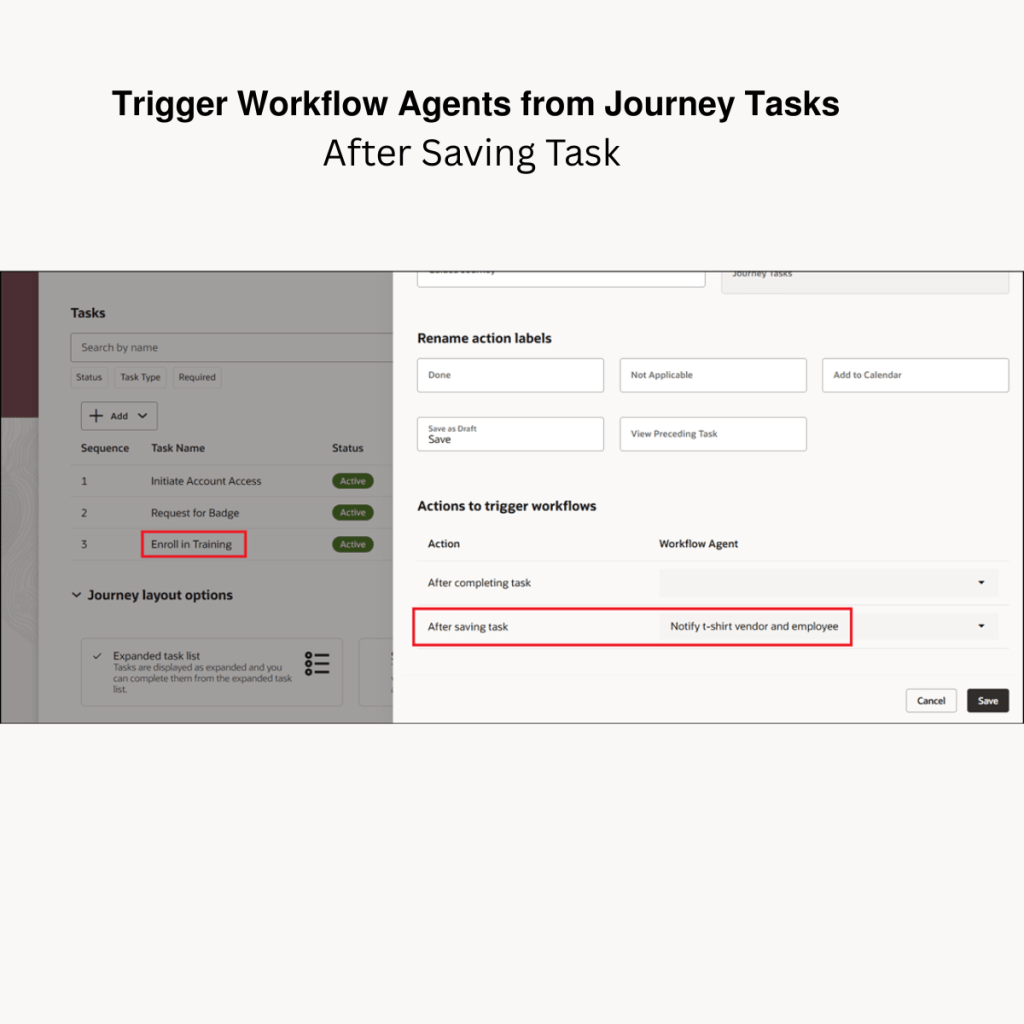
Journeys can now trigger workflow agents when a task is completed or even when it is saved. This essentially gives us a hook point to trigger automation.
Once triggered, the workflow agent can perform actions such as:
• Sending notifications
• Calling external REST APIs
• Updating data in systems
• Integrating with external applications
For example:
1. During onboarding, when a manager completes a badge approval task, an agent can automatically notify the badging system, confirm approval to the employee, and start badge creation.
2. IT provisioning – Once a manager completes an onboarding task, an agent can automatically create IT service requests for laptop, email access, and system accounts.
3. Asset return during offboarding – When an offboarding task is completed, an agent can notify IT and facilities to initiate laptop, badge, and asset return.
This opens many possibilities where Journeys can trigger automation beyond HCM.
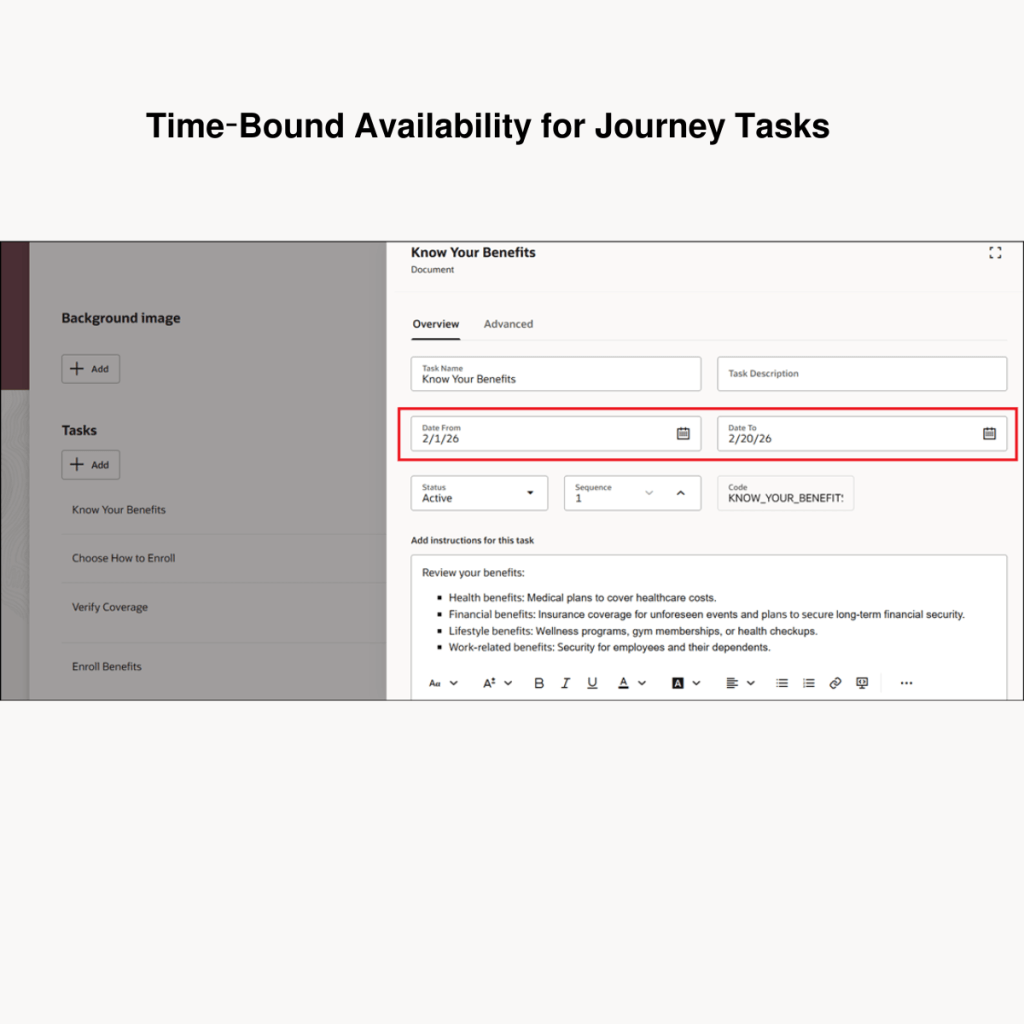
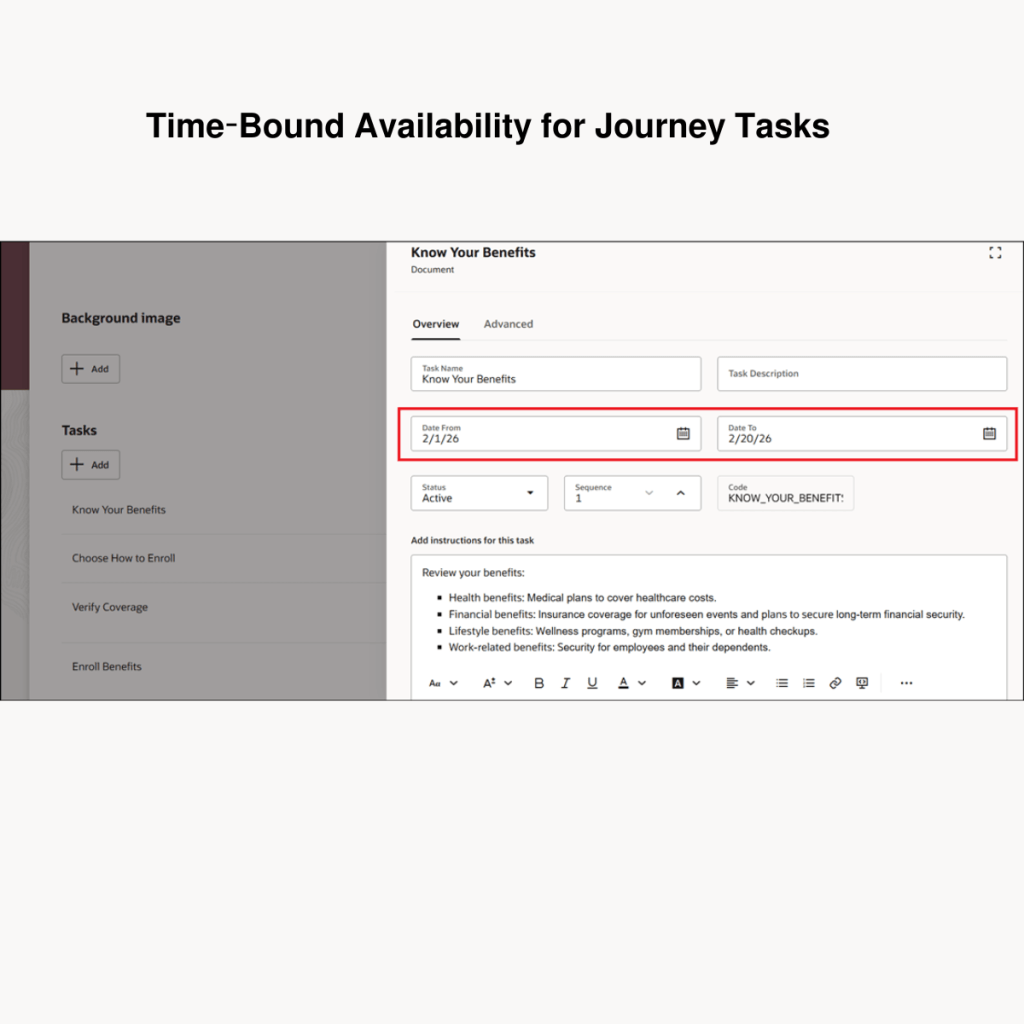
🔹 𝗧𝗶𝗺𝗲-𝗕𝗼𝘂𝗻𝗱 𝗔𝘃𝗮𝗶𝗹𝗮𝗯𝗶𝗹𝗶𝘁𝘆 𝗳𝗼𝗿 𝗝𝗼𝘂𝗿𝗻𝗲𝘆 𝗧𝗮𝘀𝗸𝘀
Journey tasks can now be configured to appear only during a specific time window. This is especially useful for processes like performance management cycles.
Administrators can define: Task Start Date and End Date
Example: Set Goals → visible March 1 – March 31
Complete Appraisal → visible starting May 1
Employees will only see the tasks that fall within the current timeline, helping guide the process step-by-step.
🔹 𝗧𝗶𝗺𝗲 𝗭𝗼𝗻𝗲 𝗦𝘂𝗽𝗽𝗼𝗿𝘁 𝗳𝗼𝗿 𝗝𝗼𝘂𝗿𝗻𝗲𝘆𝘀
Another important improvement in 26B addresses a long-standing challenge around time zone differences. Previously, journeys relied on UTC as the default time zone.
This meant that for regions far from UTC such as Australia or New Zealand, journeys could be delayed by several hours.
For example, if an employee was hired at 9:00 AM in Australia, it might still be the previous day in UTC, causing the journey to go into a deferred status.
This delay impacted several things: Journey allocation timing, Task due dates, Expiry dates, Reminder notifications, Overdue calculations.
With 26B, Oracle introduces time zone support at the Journey Template level, allowing organizations to configure the appropriate time zone so journeys trigger based on local time rather than UTC. A small change technically, but a big usability improvement for global organizations.
I’m looking forward to seeing how organizations start using workflow agents together with Journeys to orchestrate end-to-end processes.
I’ll be sharing more updates from Oracle HCM Cloud & Oracle AI soon. Stay tuned.



 Lead with Mohana
Leave a comment